Please check your clock.
This PC's clock appears to be set wrong. Please make sure both the year and date are correct. If the clock is wrong Ninite's secure digital signature checks may fail.
The current date is 09 June 2026.
This installer includes


1. Download
2. Run
3. Share
Just run the Ninite .exe and relax. Ninite's automation will install the apps in the background and without any toolbars or junk.
Your friends will thank you when they save time with Ninite.
TweetDid you know?
Always Up-to-date
A Ninite installer always gets an app's latest version no matter when you made it.No Toolbars
Ninite automatically says "No" to toolbars and other junk.Loved by Users
People trust Ninite to install and update about a million apps each day.Ninite is Smart
Ninite automatically installs apps in your PC's language and picks the right 32 or 64-bit version.It Updates Too
Just run your Ninite installer again and it will update the apps to their latest versions.Manage all your PCs with Ninite Pro
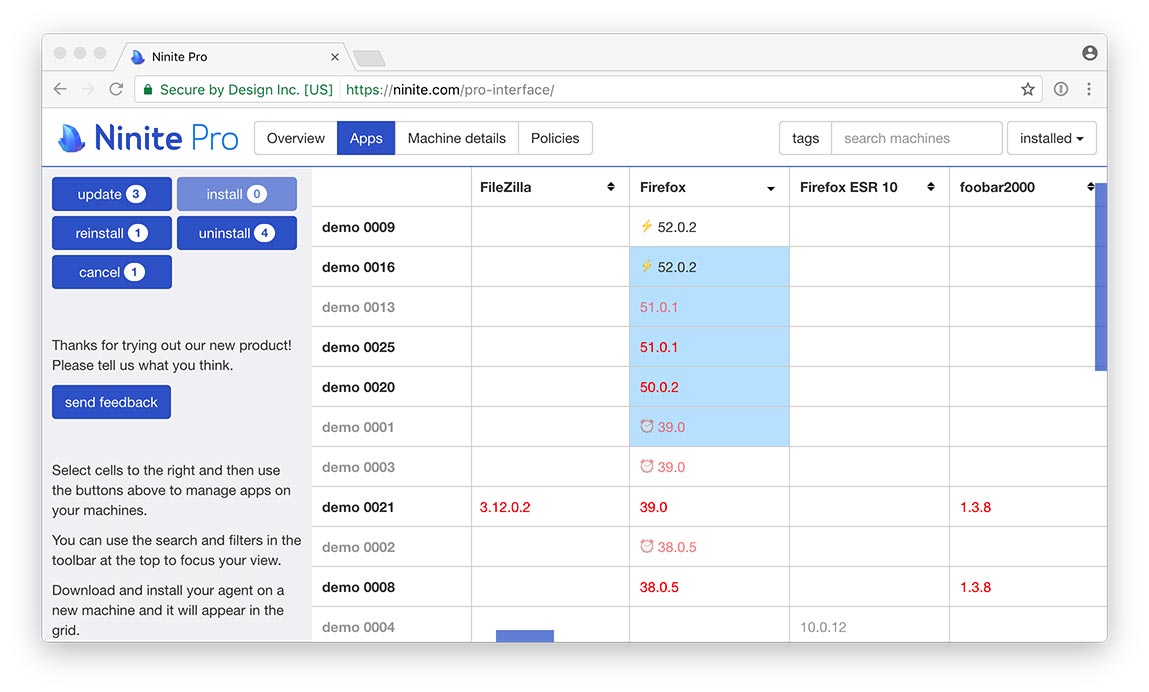
Ninite Pro has a great new web interface. Click here to learn more and get a trial.
Use Intune? Check out our new Intune integration: Nintune